Every website needs two things before it can go live: a domain name and web hosting. When people ask me which host I use for my own projects and my tutorials, my answer is almost always the same: Hostinger. It is one of the most cost-effective web hosts out there, it is easy for beginners, and you get a lot included: a free domain name, a free SSL certificate, free domain email addresses and free website migration.
This is a sponsored recommendation, but as always, I only recommend tools I genuinely use and believe in. Hostinger is the host I use in many of my website tutorials.
What Is Hostinger?
Hostinger is a hosting provider: a company that stores your website files on its servers and makes your site available on the internet. They offer shared web hosting, WordPress hosting, cloud hosting and VPS plans, plus domain names and email. Everything is managed from one dashboard, so you do not have to be technical to get your website online.
What I like most is that Hostinger takes care of the boring setup work for you. You pick a plan, claim your domain, and a few clicks later WordPress is installed and your website is live.
Getting Started: Use Code FERDY
Start on my Hostinger deals page. You will find discounted web hosting deals there. Pick the plan that fits your project, choose a period, and at checkout use code FERDY to get a discount.
Then choose “Create a new website”, claim your free domain name and finish the registration. Your website is live right away, and Hostinger installs the free SSL certificate automatically, so the “Not Secure” warning disappears after a few minutes.
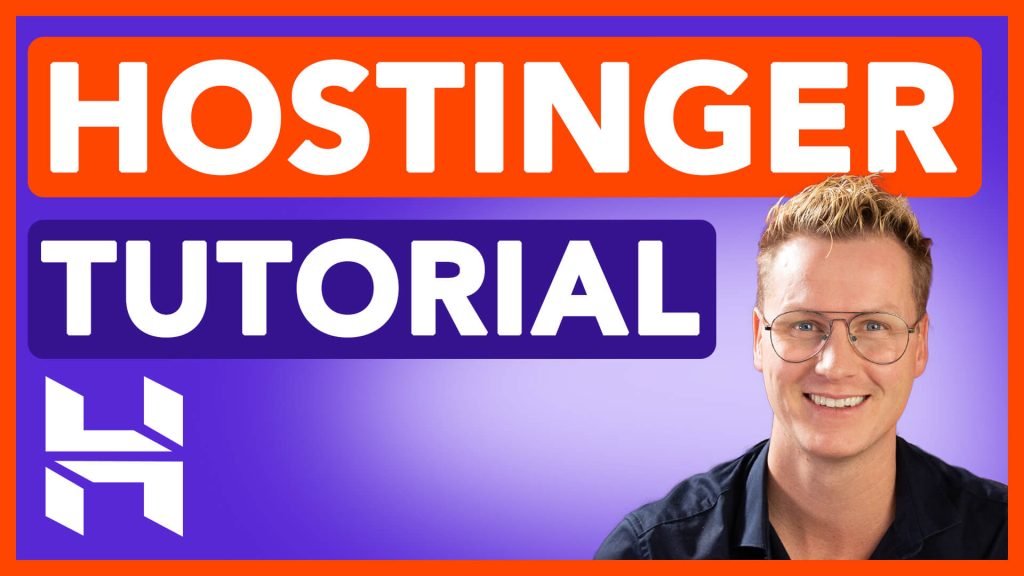
Want to see every click? In my complete Hostinger tutorial I walk you through the whole setup step by step, and you can also watch the Hostinger video tutorial.
What You Get With Hostinger
- Free domain name: claim a free domain when you set up your first website (free for the first year).
- Free SSL certificate: installed automatically, so your site is secure from day one.
- Easy WordPress install: install WordPress from the dashboard or the Auto Installer in a few clicks.
- Free domain email: set up professional addresses like info@yourdomain.com and use them in webmail, on your desktop or on your phone.
- Subdomains: create subdomains for extra sections of your site, like I do for my free Elementor templates.
- Free website migration: already have a website somewhere else? You can move it to Hostinger.
- Backups: create manual backups any time and restore an older version of your site in a few clicks.
Backups That Save You When Things Break
Updating a plugin and suddenly your website is broken? It happens to everyone. With the Business plan your website is backed up automatically every day, and on any plan you can generate a manual backup before you make big changes. Restoring takes a few clicks in the dashboard. I show the whole process in create and restore backups using Hostinger.
Moving Your Website, Emails and Domain
Switching hosts sounds scary, but it does not have to be. You can move your WordPress site, your email accounts and your domain to Hostinger without losing anything. I explain every step in how to transfer your website, emails and domain to a new web hosting provider.
Hostinger Horizons: Build With AI
Hostinger also has Hostinger Horizons, a no-code AI website builder. You describe what you want in a chat, and the AI builds a website or web app for you, including forms and booking features. I built a complete gaming café booking website with it in less than 10 minutes. Read my Hostinger Horizons review to see how it went.
Curious how Hostinger keeps your site fast for visitors all over the world? Watch What Is a CDN? Hostinger CDN Explained.
Who Is Hostinger For?
Hostinger is ideal for:
- Beginners who want to build their first WordPress website without technical headaches.
- Bloggers and content creators who want an affordable, reliable home for their website.
- Small business owners who want a professional website with matching email addresses.
- Anyone switching hosts who wants an easy way to move an existing website.
Things To Keep In Mind
No host is perfect for everyone, so here is what to check before you buy. The Single WordPress plan includes only one domain email address, while the other plans come with many more. If you plan to run more than one website, pick a plan that allows multiple websites. The free domain is free for the first year; after that you pay the normal yearly price, which depends on the extension you choose. And automatic daily backups come with the Business plan, so on smaller plans make a manual backup before big changes.
Get Hostinger
Ready to get your website online? Use my link to see the current Hostinger deals and use code FERDY at checkout for a discount. Hostinger offers a 30-day money-back guarantee, so you can try it without risk.
This page contains affiliate links. If you sign up through my link, I receive a commission at no extra cost to you. I only recommend tools I personally use and trust.
Pros
- Free domain name for the first year and a free SSL certificate
- Easy WordPress install, great for beginners
- Free domain email addresses (webmail, desktop and mobile)
- Free website migration from your old host
- Manual backups any time, daily backups on the Business plan
- 30-day money-back guarantee and 24/7 support
- Use code FERDY at checkout for a discount
Cons
- The Single WordPress plan includes only one domain email address
- The free domain is only free for the first year
- Automatic daily backups need the Business plan