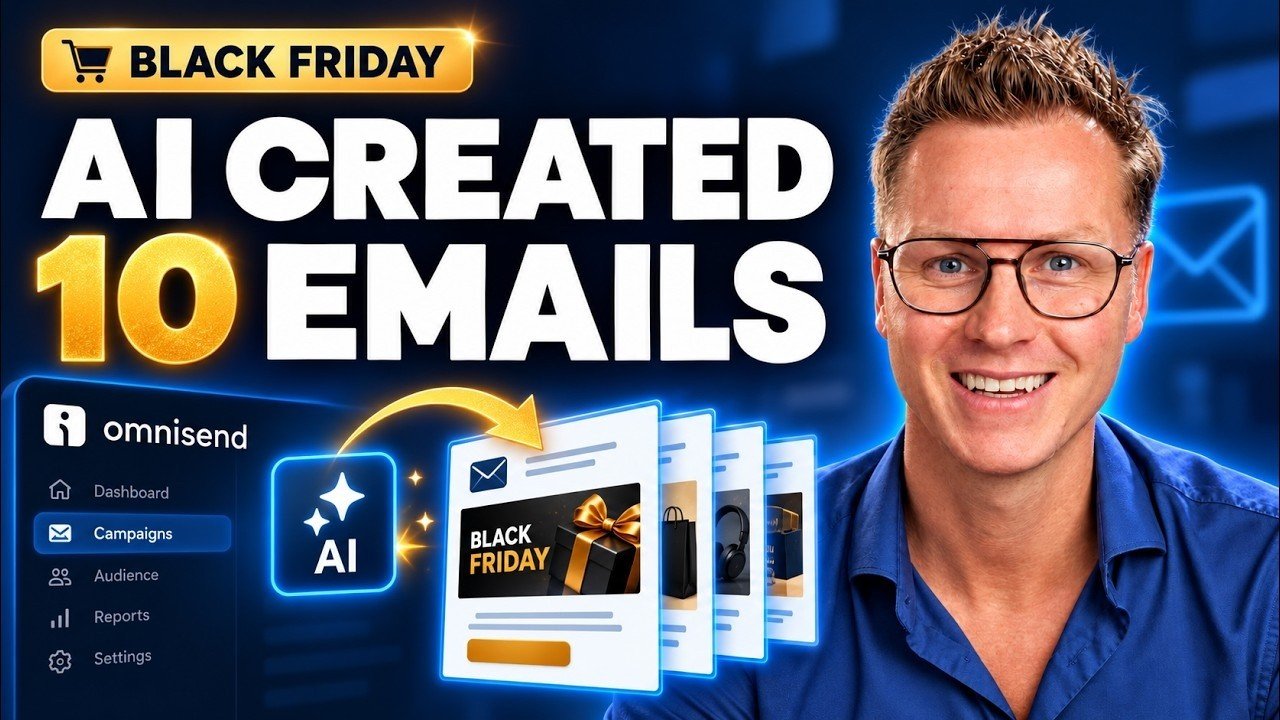
Black Friday and Cyber Monday (BFCM) are the busiest days of the year for most online stores. In this tutorial I let AI turn the insights from my previous email campaigns into 10 editable Black Friday campaign drafts inside Omnisend.
Get started with Omnisend: Omnisend.
What you will learn
- Connect Omnisend to ChatGPT and to Claude
- Analyze your best-performing campaign
- Analyze your previous Black Friday emails and find patterns
- Ask AI to create a campaign plan and a calendar
- Review subject lines, preheaders, email content and video recommendations
- Open the drafts in Omnisend and update offers, videos and links before you send them
Chapters
- 00:00 AI creates 10 Black Friday campaign drafts
- 01:00 Getting started with Omnisend
- 01:23 Omnisend migration service
- 02:00 Connect Omnisend to ChatGPT
- 02:51 Connect Omnisend to Claude
- 03:38 Analyze your best-performing campaign
- 04:58 Analyze previous Black Friday emails
- 07:57 Ask AI to create your campaign plan
- 09:20 Review the calendar and content recommendations
- 11:35 Open the 10 campaign drafts in Omnisend
- 12:17 Update offers, videos and links
- 14:00 Email automations and next steps
Before you send
AI gives you a strong first version, but always check every draft yourself. Update the offers, discount codes, links and videos so they match your store, and set up your email automations so new subscribers also receive your Black Friday messages.
Some links are affiliate links. If you purchase through them, I may earn a commission.